Dynamics 365 Business Central and the Microsoft Ecosystem
How Business Central, Dataverse and the Power Platform actually connect, and where the joins leak.

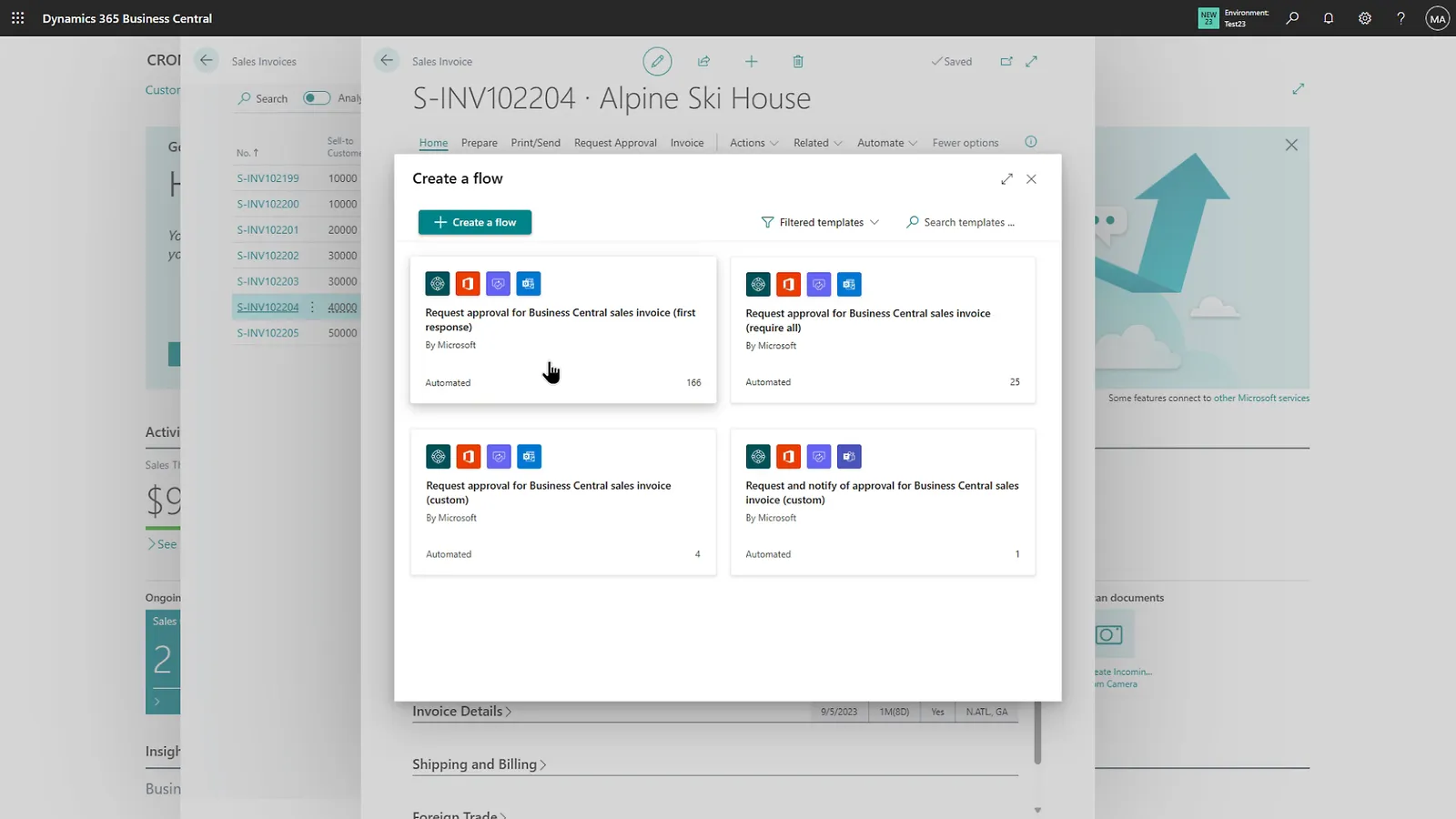
The pitch for the Microsoft estate is that everything talks to everything: Business Central for finance and operations, Dynamics 365 Sales or Customer Service for the front office, the Power Platform to fill the gaps, Dataverse holding it together, Power BI on top. Most of that is true. The part the pitch skips is that “connected out of the box” still needs designing, and the joins are where the work, and the support tickets, actually live.
Here’s how the pieces fit, and the bits I’d plan for before promising anyone a single connected system.
What connects to what
Business Central and Dataverse. This is the spine. Business Central has a native Dataverse connection that syncs records (typically customers, contacts, items, sales orders) between BC and the Dataverse tables the customer-engagement apps use. Set up the connection, map the entities, and records flow both ways on a schedule or on demand.
Dynamics 365 Sales / Customer Service / Field Service. These run on Dataverse, so once BC is connected to Dataverse they’re connected to BC. The common pattern is a quote or order raised in Sales flowing through to BC for fulfilment and invoicing, with the customer and item master kept in step.
The Power Platform. Power Apps for lightweight apps over BC or Dataverse data, Power Automate for approvals and notifications, Power BI for reporting across the lot. These are the right tools for the small bespoke needs that don’t justify an AL extension.
Where it genuinely helps
The win is real when the alternative is rekeying. A salesperson raising a quote that becomes a BC invoice without anyone retyping it; a field engineer’s job and parts usage landing back in BC for billing; a customer record updated once and correct everywhere. That removes reconciliation work and the errors that come with it.
Power Apps is the other quiet win. A mobile expense-capture or stock-check app that writes to BC, handed to the people who should never be let near a full BC licence, is cheap to build and genuinely useful.
Licensing: the part worth getting right early
Microsoft’s attach licensing lets you add qualifying Dynamics 365 apps at a reduced “attach” price when a user already holds a qualifying base licence. It can make adding, say, Customer Service alongside Business Central much cheaper than buying it standalone. But the rules are specific about which licence is the base and which qualify to attach, and they change, so price it against current Microsoft licensing guidance for the exact mix of users, rather than assuming. Get this wrong and the “cost-effective” expansion isn’t.
TIP
Decide who actually needs a full Business Central user versus a Team Member versus a Power Apps licence before you design the integration. The licence mix shapes what each group can do, and retrofitting it later is painful.
Where the joins leak
This is the bit the diagrams don’t show.
Sync is not magic. The BC-Dataverse integration is configurable mapping with a synchronisation schedule. Records can fail to sync (mismatched mappings, validation differences between BC and Dataverse, coupling that’s drifted), and someone has to own the synchronisation errors and clear them. That ownership is a real support responsibility, not a one-off setup task. Decide whose job it is on day one, because if nobody owns it you tend to find out three weeks later, when Sales swears a customer exists and Finance swears it doesn’t.
Two sources of truth need a decision. If both BC and Sales can edit a customer, decide which system wins and configure the direction accordingly. “Both ways for everything” sounds friendly and causes conflicts.
Master data has to be clean first. Connecting two systems with inconsistent customer or item data doesn’t unify it; it propagates the mess and surfaces it faster. Sort the master data before you turn the sync on.
Copying a company resets the integration. If you copy a BC company that has Dataverse integration enabled, the connection settings, coupling records and sync jobs are cleared in the copy by design. Worth knowing before you wonder why the test company isn’t syncing.
What I’d do
Start with Business Central and Dataverse, get one entity (usually customers) syncing cleanly, and prove the ownership model for sync errors before adding the next app. Treat each additional join as its own small project with its own data-quality and licensing check. The connected estate is worth having, but it’s built one reliable join at a time, not switched on in a day.